Add domains as a partner or agency
To add domains under your name as a partner or agency for a kickback fee, for example, you can follow the next steps.
Step 1
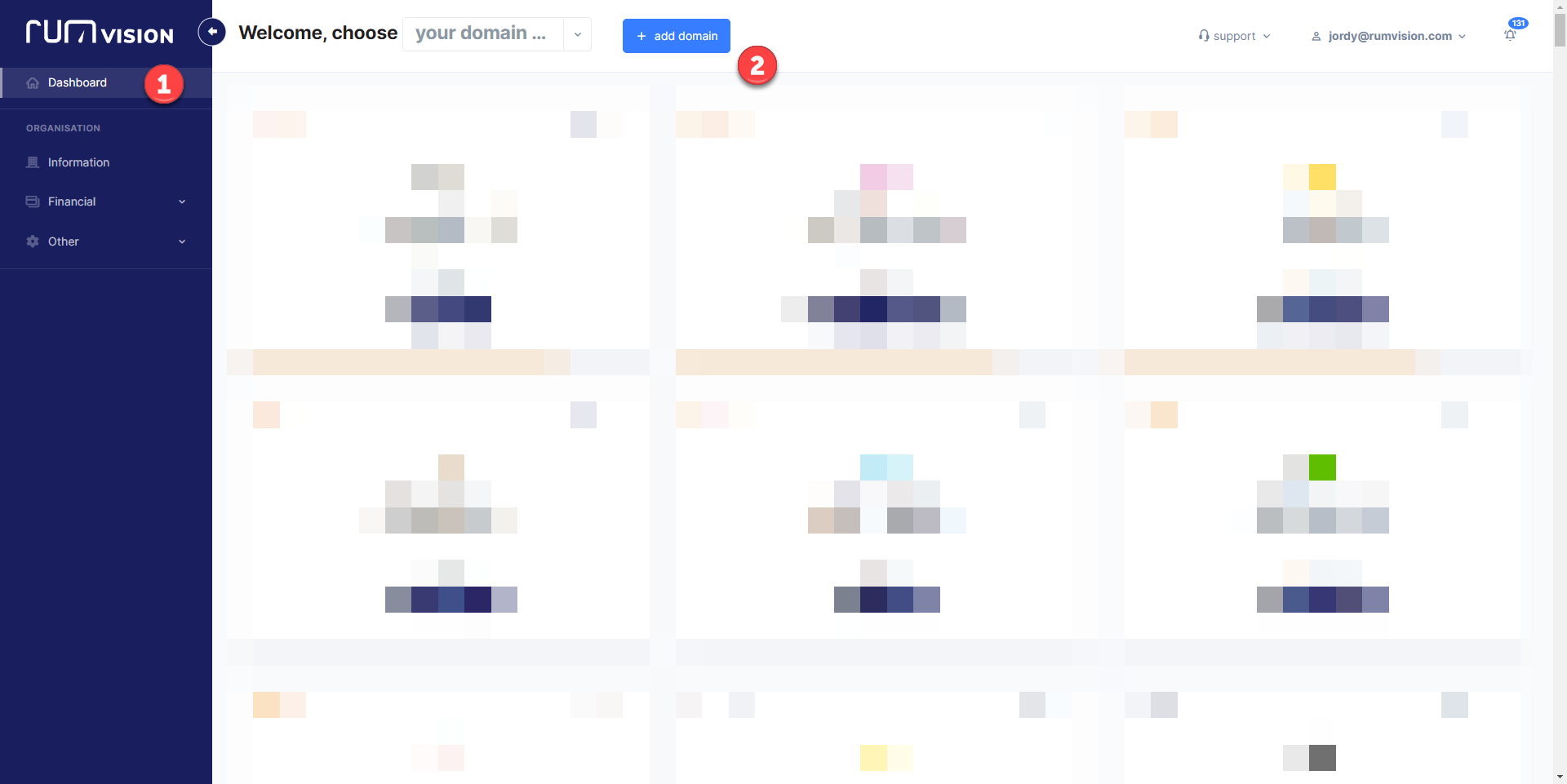
Go to your dashboard and click on
"add domain".
Step 2
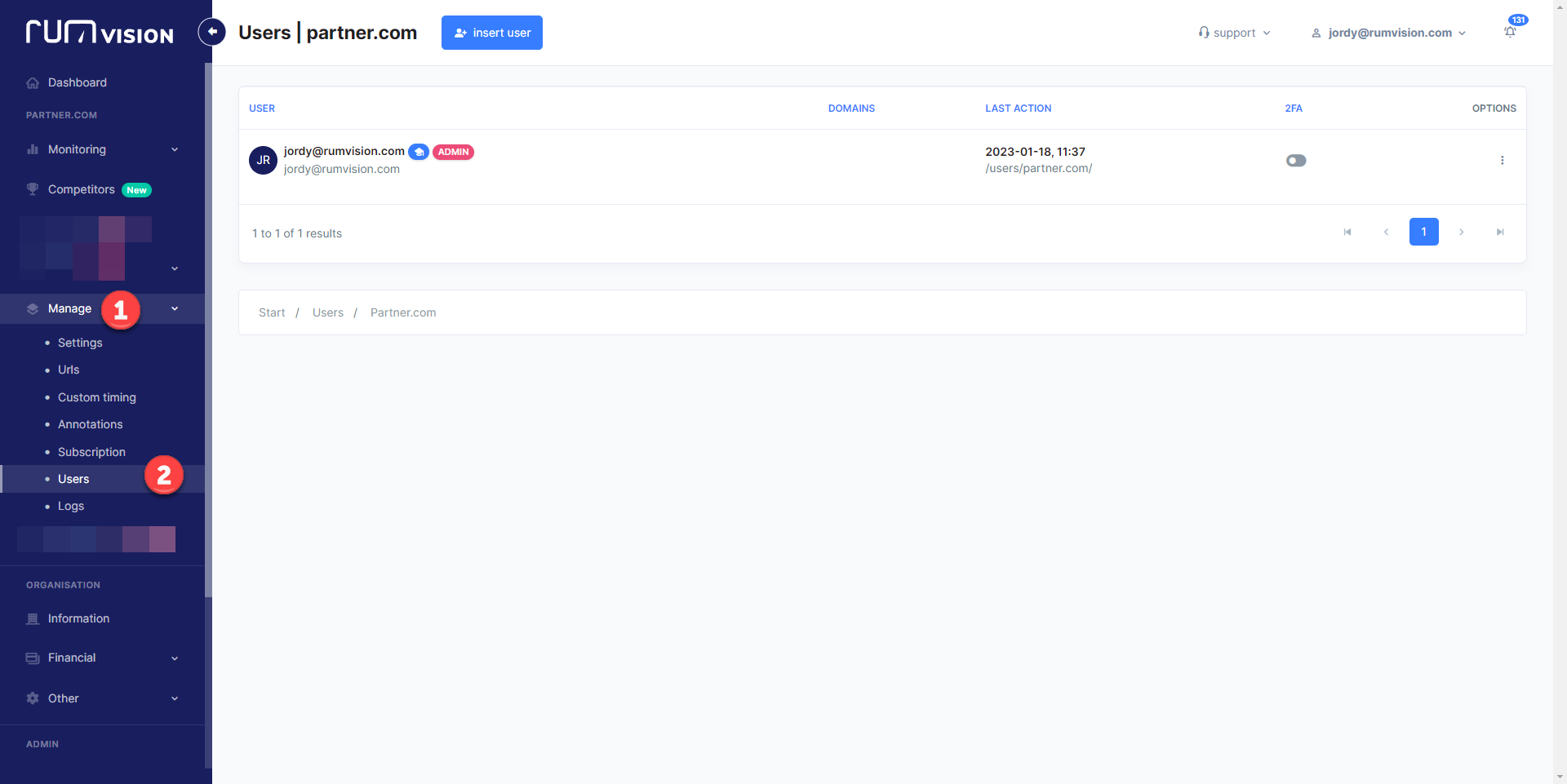
Go to manage in the navigation and select "users".
Step 3
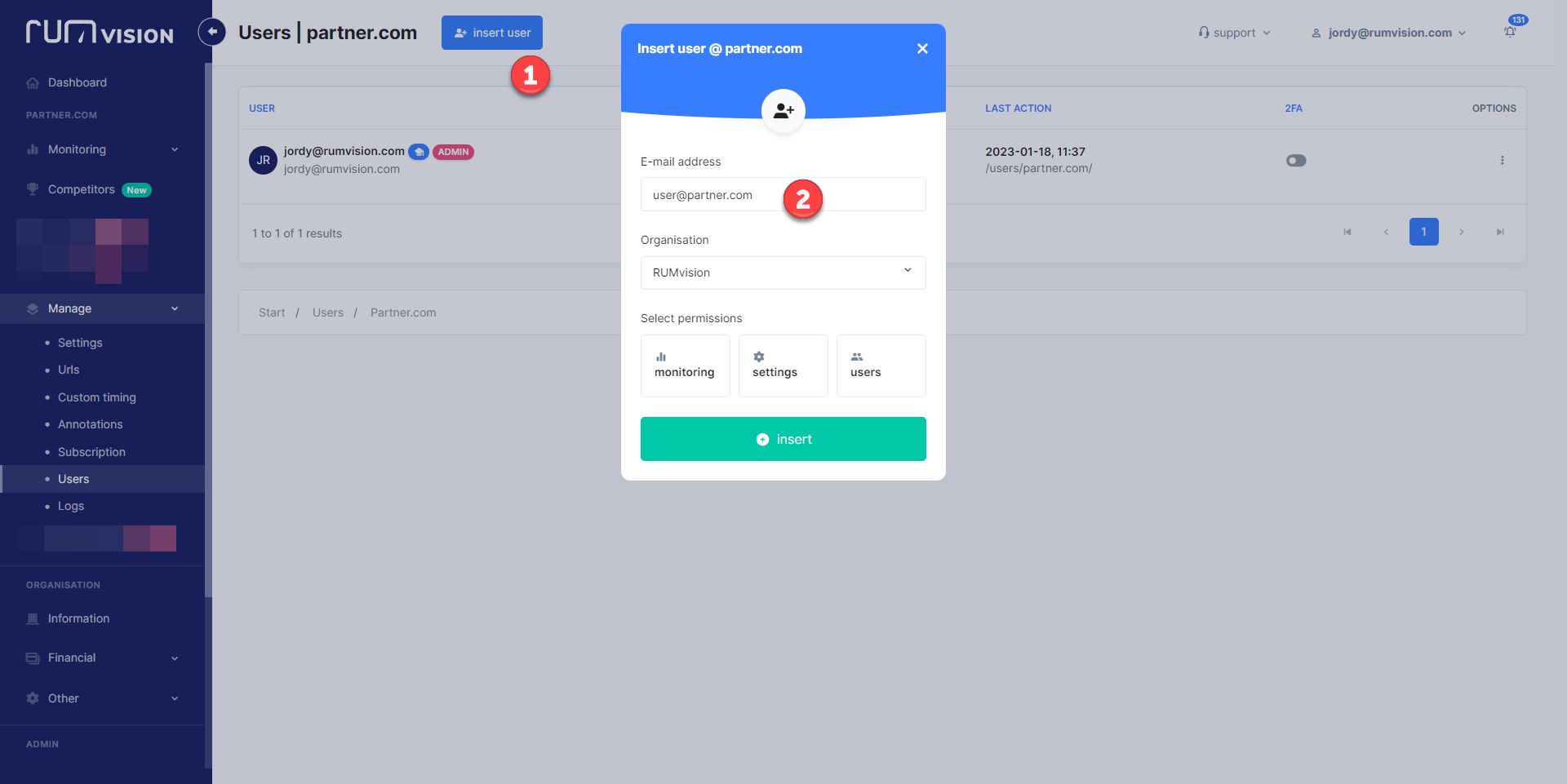
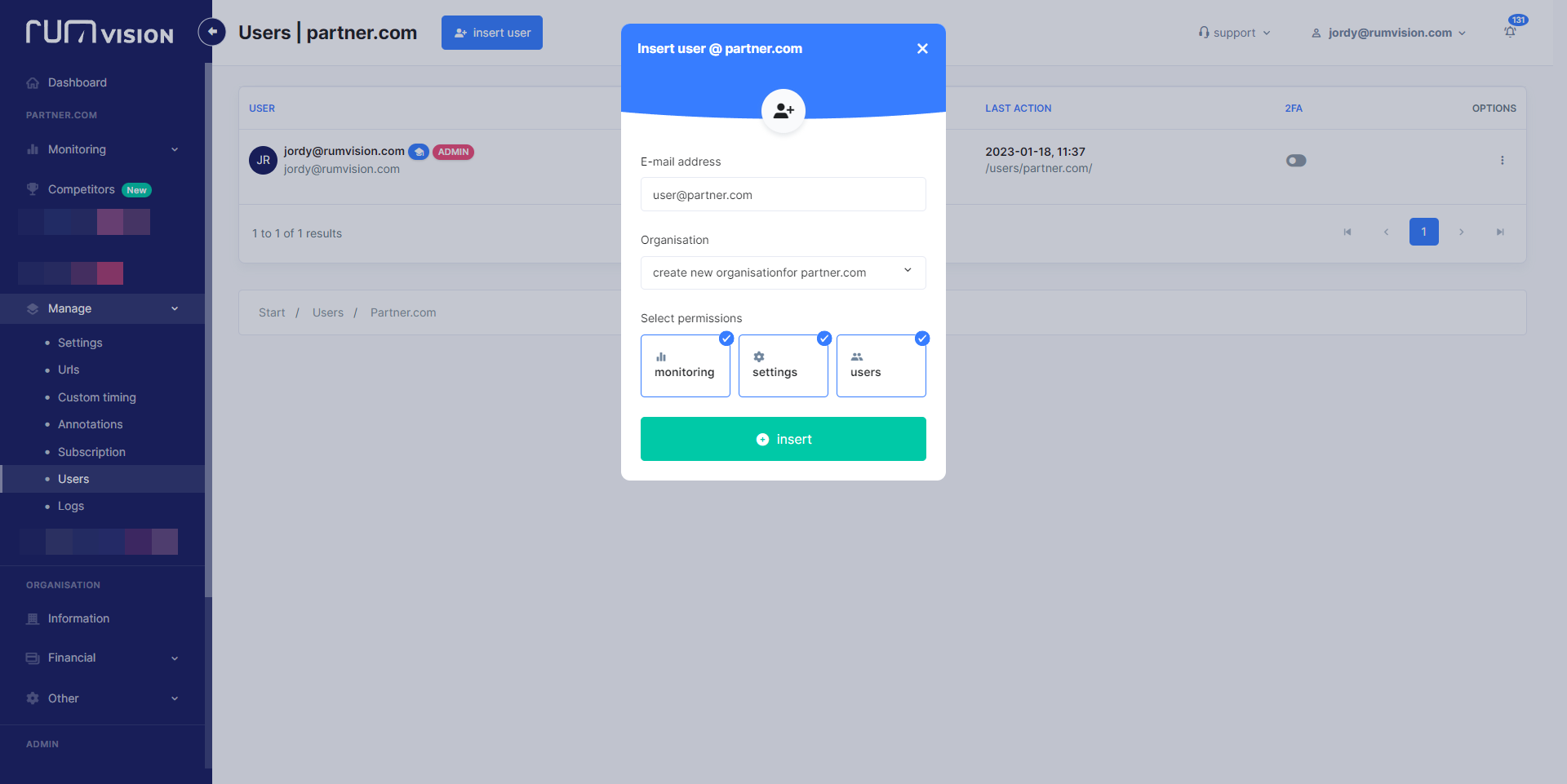
Click on "insert user", this will be the main user for the domain.
Step 4
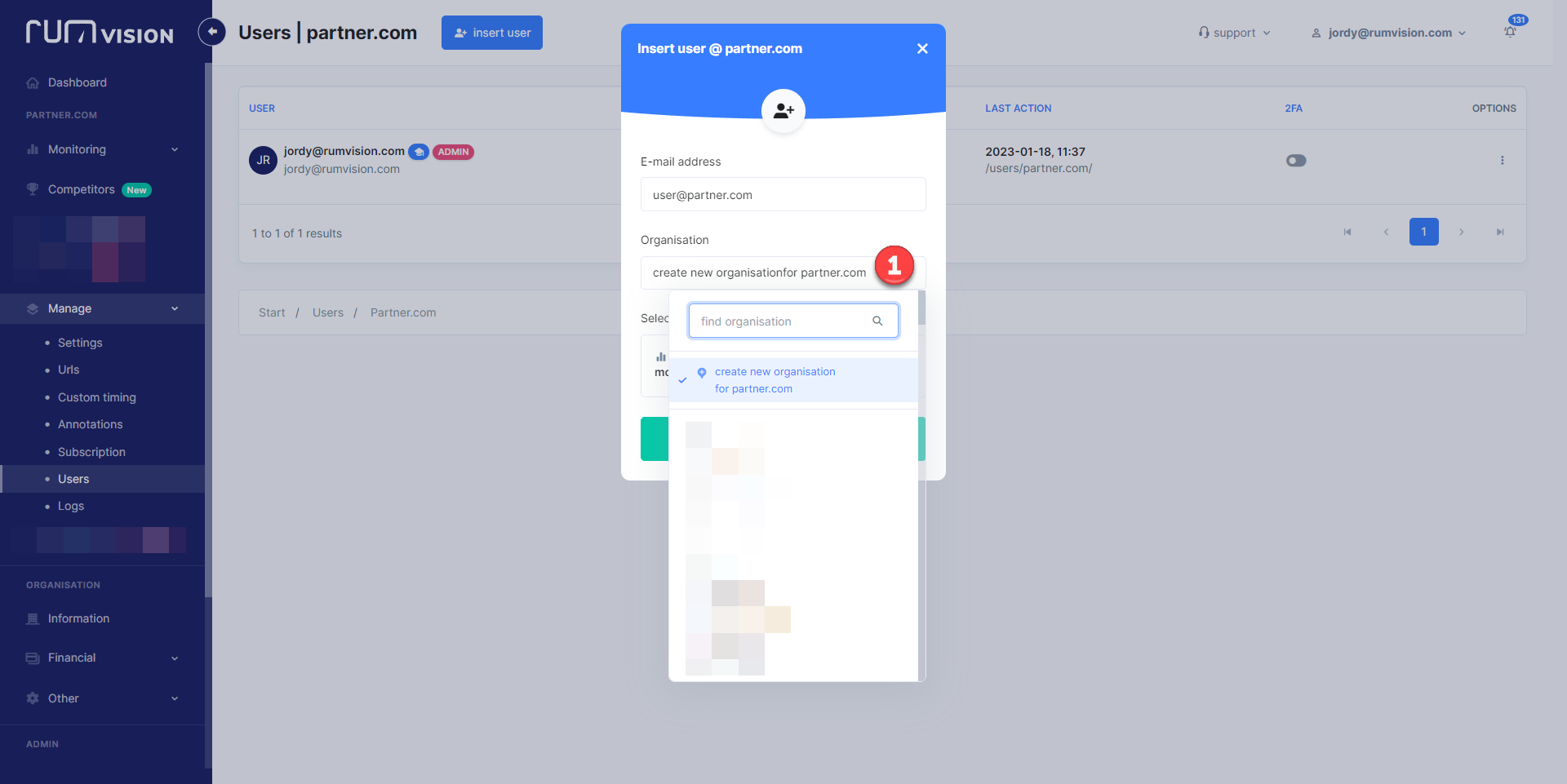
Click on organisation and create a new organisation.
Step 5
Select the permissions you want to give to new user.
Step 6
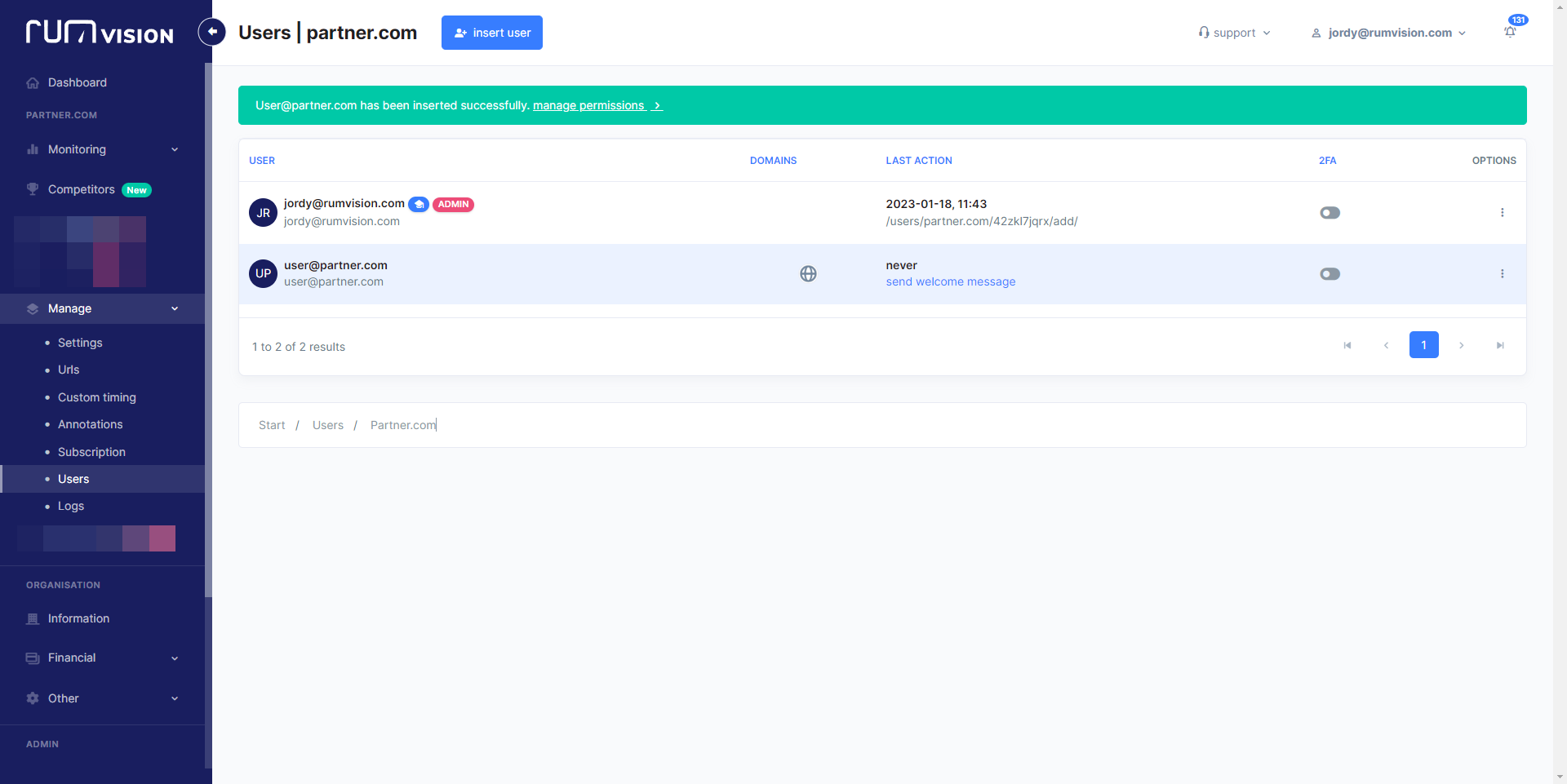
Click on "insert". You're now on the users tab of your domain.
Step 7
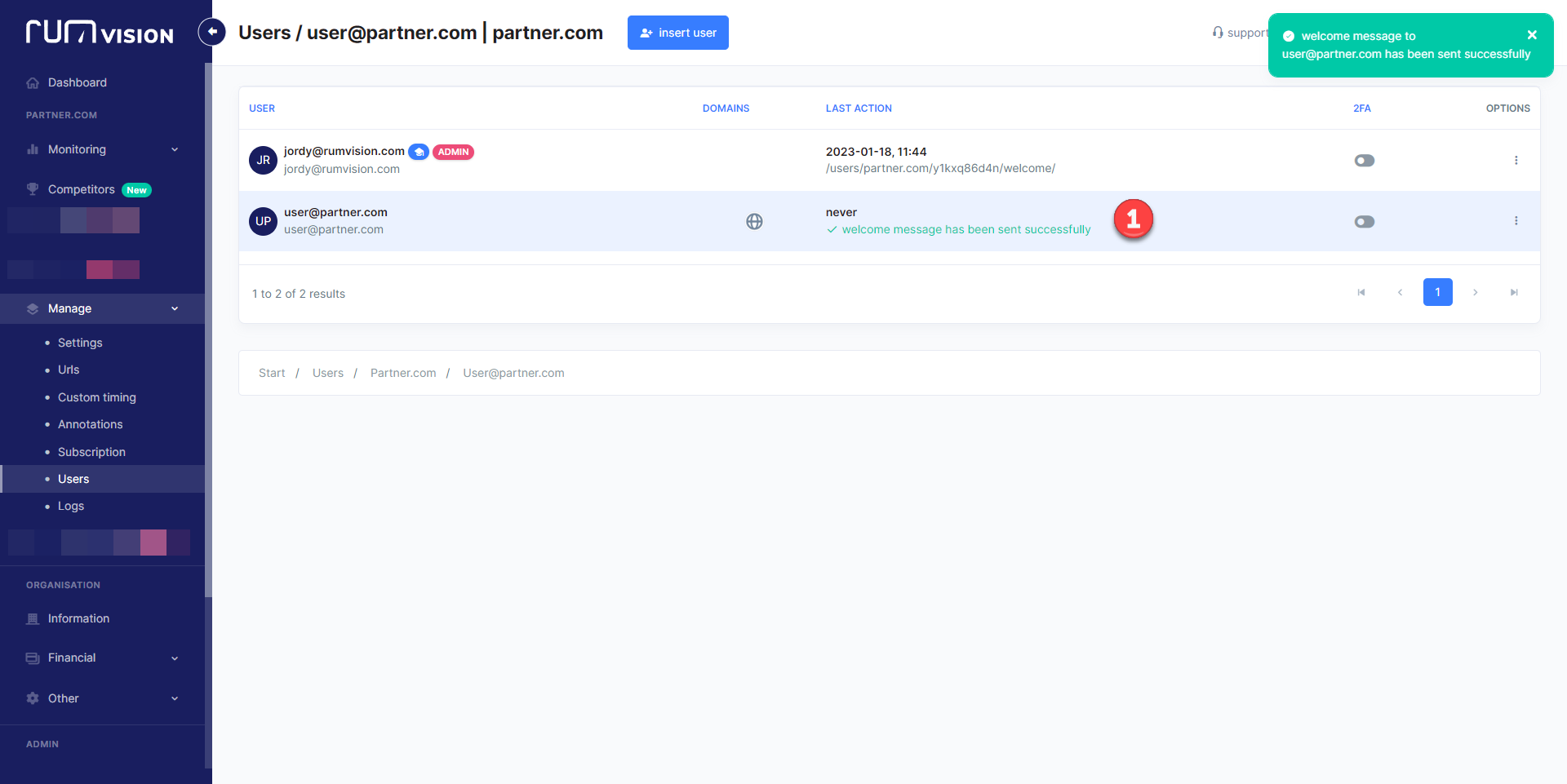
Click on "send welcome message"
to the user that you've added.
Final step
The users that's been added can go to subscriptions and pay for the domain; doing this will automatically make this user the owner.